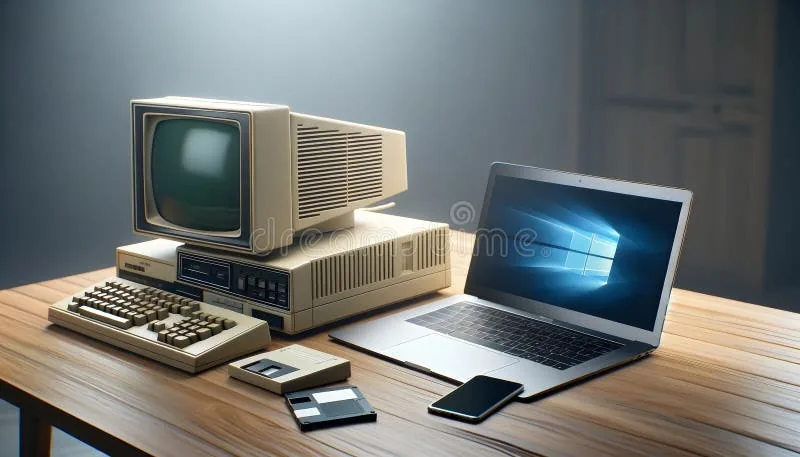
If you're wondering whether it's time to replace that laptop or phone, the short answer is: it depends. But there are clear signs you shouldn't ignore. Let me break down how long these devices really last and what to do when you upgrade.
How long does a laptop actually last
A laptop used for regular tasks (browsing, documents, streaming) lasts 4 to 7 years. High-end models can reach 8 years with good care. Budget laptops or ones used for heavy tasks (video editing, software development, gaming) typically perform well for 3 to 5 years.
The battery is usually the first thing to go. After 2-3 years of daily use, a laptop battery won't hold the same charge. That doesn't mean the laptop is dead — it just means you need to keep it plugged in more often.
Signs your laptop needs replacement
- It's slow with basic tasks. If opening a browser with a few tabs is painful, and you've already done disk cleanup and factory reset without improvement, it's time.
- No more security updates. If your operating system is no longer supported (Windows 10 loses support in October 2025), your device is vulnerable.
- Hard drive is failing. If you hear metallic clicks or the computer freezes frequently, the drive might be dying. Swapping it for a cheap SSD can give it extra life.
- Expensive repairs. If replacing the screen or motherboard costs more than half the price of a new laptop, it's not worth it.
How long does a desktop last
Desktops last longer than laptops, typically 5 to 10 years, because individual components are easier to replace. You can swap the drive, RAM, or video card without throwing out the whole machine.
An office desktop (not gaming) with basic maintenance (dust cleaning, software updates) can easily last 8 years.
How long does a phone last
A mid-range smartphone has a lifespan of 3 to 4 years. High-end models (iPhone, Samsung Galaxy S) can last 4-5 years with software updates.
The battery is the main limiting factor. After 500 charge cycles (roughly 1.5 years of daily use), capacity drops noticeably. But replacing the battery costs $25-$60 in Panama and gives the phone another life.
Signs your phone needs replacement
- Battery doesn't last half a day
- Apps crash constantly on their own
- No more Android/iOS updates
- Screen is so cracked it's dangerous (loose glass)
Tablets: 4-6 years
Tablets experience less wear than phones because they're used less intensively. An iPad or Android tablet can last 5 years if used for content consumption and light tasks.
What to do with the equipment you replace
This is where most people drop the ball. You get a new laptop and the old one sits in a closet for years. There are three paths:
1. Give it a second life
If the device works but no longer serves you, it might serve someone else:
- Install a lightweight system like Linux (Ubuntu, Linux Mint) on old laptops and they run great for browsing and documents.
- Desktops are perfect for schools, community centers, or family members who only need the basics.
- Phones with good screens work as security cameras, music players, or kids' devices.
2. Donate it
Foundations like Crezendo accept functional used equipment for their technical training programs. Students learn repair, configuration, and maintenance with real devices.
A device that's too slow for you could be the first computer for a young person learning to code or repair equipment.
3. Recycle what no longer works
If the device is completely dead, don't throw it in the trash. At Crezendo, we accept devices in any condition. We use them for our students to learn about repair, identify faults, or extract useful parts, ensuring their responsible recycling if necessary.
Before getting rid of any device
Wipe your data. This is critical. Deleting files or formatting isn't enough. Do a complete factory reset. On phones, make sure to unlink your Google/Apple account. On computers, reinstall the OS from scratch.
If you have sensitive data (banking info, saved passwords), consider using secure erasure software or, in extreme cases, physically destroying the hard drive.
The full cycle
Next time you replace a device, think about the cycle: you used it, someone else can use it, and at the end of its life, its materials can be recovered. Not letting devices pile up in drawers or throwing them in the trash is part of being a responsible consumer.
Got a replaced device that still works? Don't leave it in a drawer. Donate it to Crezendo and turn it into a learning tool for someone who needs it.